 Babel Translator
Speak, translate and listen. No Internet.
Babel Translator translates text and spoken conversations between Spanish, English and Mandarin Chinese. Once the languages are downloaded, everything happens on the phone: it works in airplane mode, and what you type or say is not sent to any server.
For Android 7.0 or later. No account and no ads.
What it does
- Español
- English
- 中文
Translate in any direction between the three languages, by typing or speaking.
-
Text translation
Type or paste a text and get the translation right away, or when you tap Translate.
-
Voice dictation
Speak and the app writes what you say. The text stays on screen so you can fix anything before translating.
-
Conversation mode
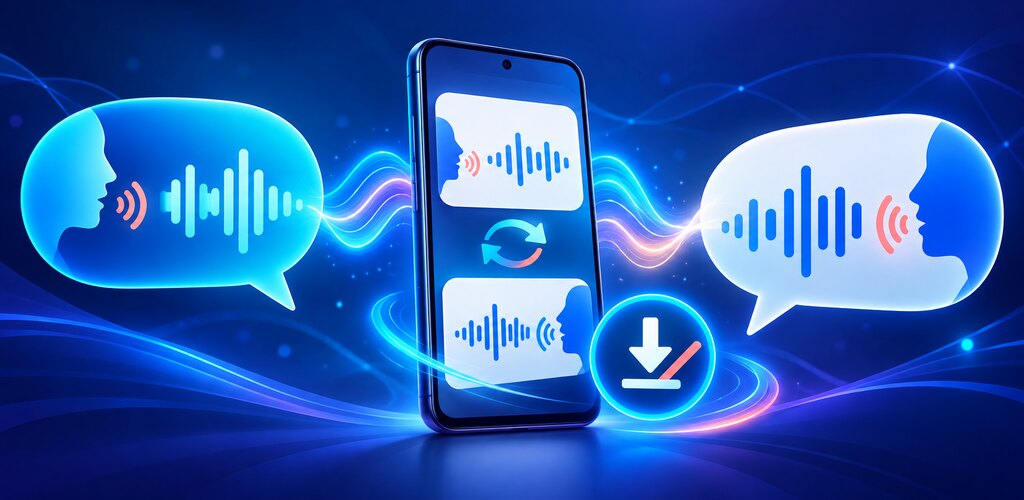
Two people, one phone. Each taps the button for their language, speaks naturally, and the translation is read aloud to the other.
-
Read aloud
Listen to the original text or the translation, at the speed and pitch you prefer.
-
History and favorites
Translations are saved on the phone so you can reuse, copy or share them. Star the ones you want to keep.
-
Only the languages you need
Download just the languages you use and delete them whenever you like. The app tells you when a language is ready for offline use.
Your words stay on your phone
Translation, speech recognition and history all run on the device. Internet is used to download the languages, not to translate.
- Text is translated on the phone.
- Speech is recognized on the phone and never recorded.
- History stays on your device only.
- No account needed.
- No ads.
- You decide what to delete: history and languages.
To be clear: the Google translation component used by the app sends technical usage and diagnostic data to Google when there is a connection. It does not include what you type or say. Details are in the privacy policy.
Read the privacy policyHow it works
Set it up once with a connection; after that it no longer needs one.
- Choose your languages The first time you open the app, select the languages you will use.
- Download them once About 70 MB per language. This is the only time Internet is needed.
- Use it anywhere On a plane, on the subway or abroad without data: type or speak, and translate.
Details
- Platform
- Android 7.0 (API 24) or later.
- Languages
- Spanish, English and Mandarin Chinese, in any combination.
- Connection
- Only to download the languages. After that it works without Internet.
- Storage
- About 70 MB to download per language, somewhat more once installed.
- Permissions
- Microphone, only when you use dictation or conversation mode. Internet, to download the languages.
- Voices
- Read-aloud uses the voices installed on your phone.
- App language
- Spanish. The app interface is not yet available in English.
- Status
- In development. Not yet published on Google Play.
Translation and speech recognition are automatic and can make mistakes, especially with noise, proper names or long sentences. Do not rely on the app as your only source in medical, legal or emergency situations, where an error could have serious consequences.